
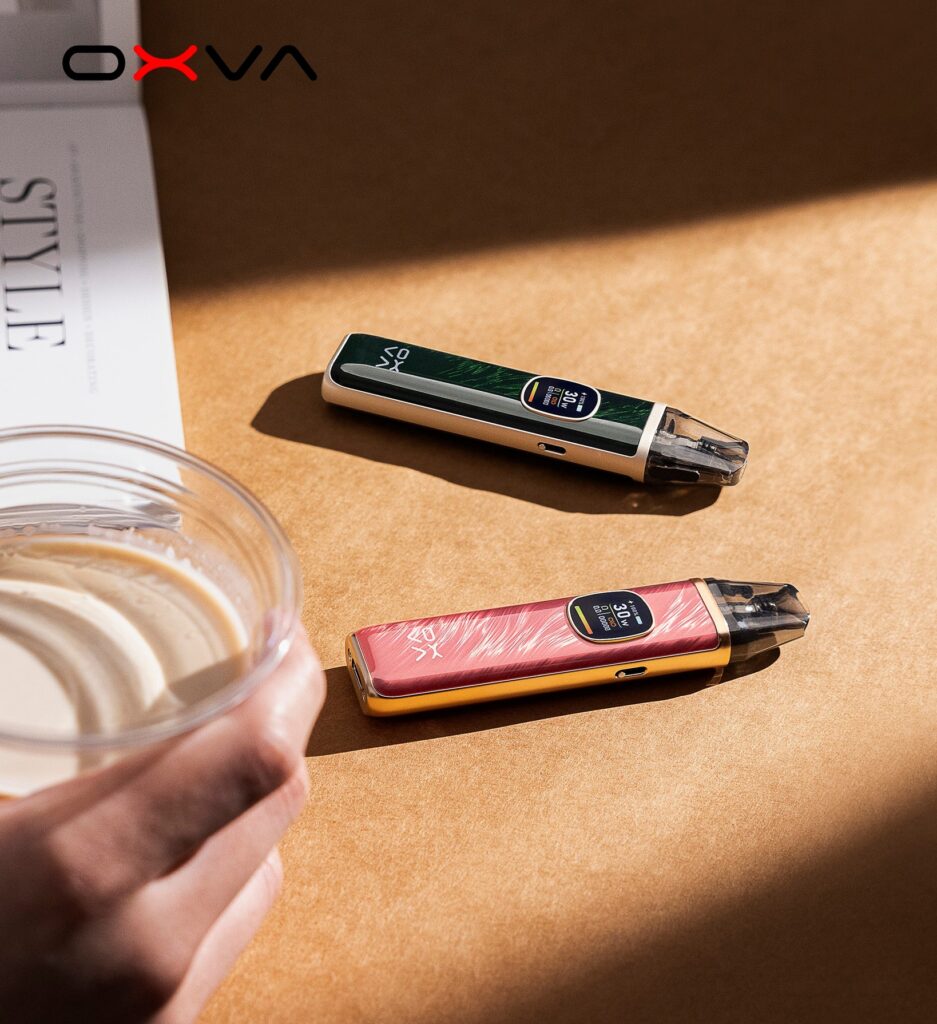
Troubleshooting
OXVA XLIM Pod Troubleshooting Guide
One catch-all guide for leaks, burnt hits, gurgling, weak flavour and other common pod issues.
Read guide →If your OXVA vape is leaking, tasting burnt, not charging, not unlocking or just not working the way it should, this page helps you get from problem to answer faster. Start with the issue you are seeing now, then move into the right guide, manual or next-step fix.
These are the fastest routes into the most common OXVA issues. Start with the symptom, not the model name.
Best for pod leaks, seepage, condensation build-up and refill problems.
Open leak guide → Burnt tasteBest for harsh flavour, dry hits and pods that seem to burn out too quickly.
Open burnt taste guide → Device controlBest for users who cannot unlock, fire or use the controls properly.
Open unlock guide → Startup helpBest for startup confusion, power questions and devices that seem unresponsive.
Open startup guide →Most OXVA issues fall into a few common buckets: pod problems, refill-related problems, device controls or setup mistakes. Narrowing it down correctly is usually faster than reading lots of unrelated fix pages.
These are the strongest full support pages if you want more detail rather than a quick answer.
One catch-all guide for leaks, burnt hits, gurgling, weak flavour and other common pod issues.
Read guide →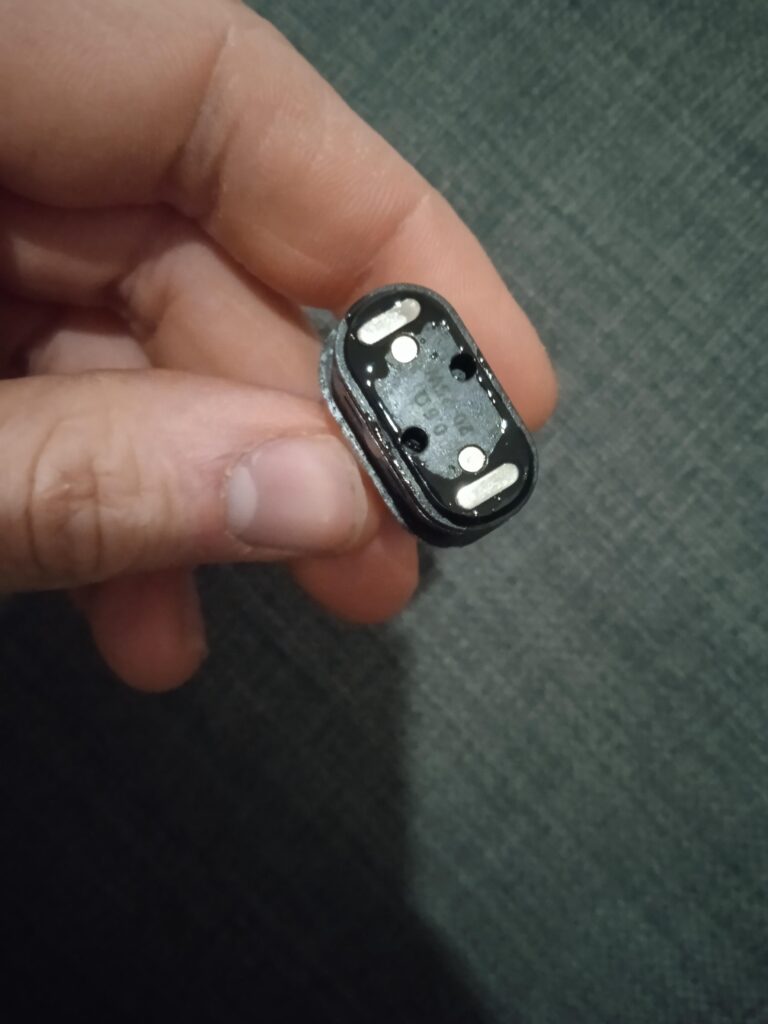
Work through the most common reasons an OXVA pod starts leaking and what to check first.
Read guide →
Understand the usual causes of burnt taste and how to avoid ruining fresh pods too quickly.
Read guide →
Fast help for one of the most common user-control issues on OXVA devices.
Read guide →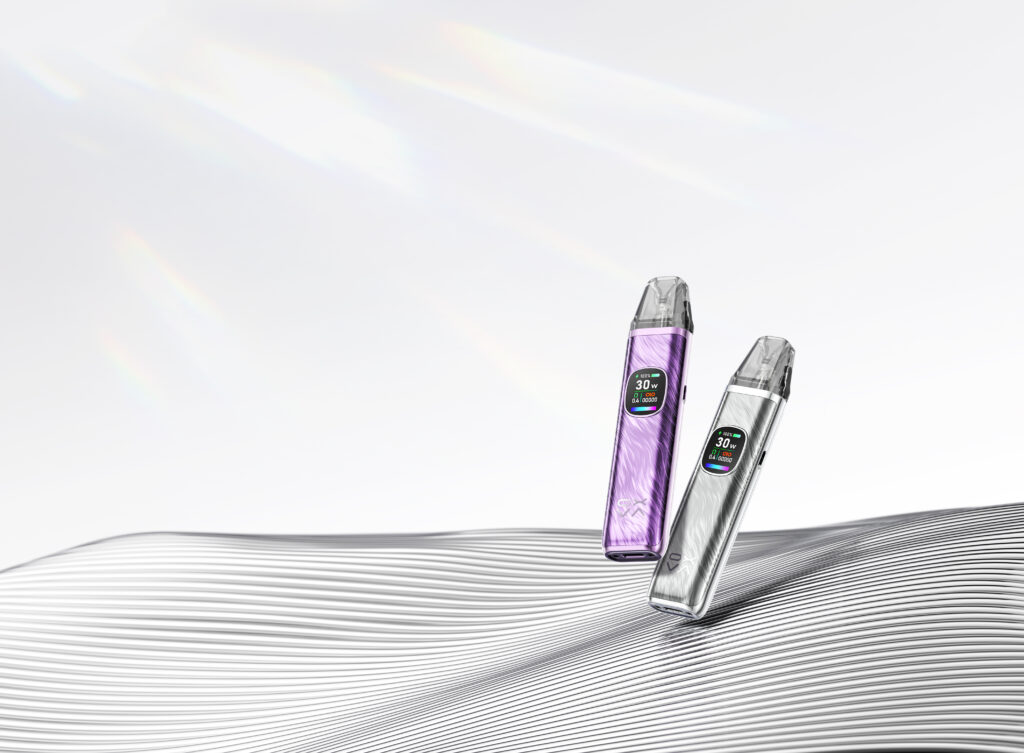
Simple startup help for new users or anyone unsure whether the device is working properly.
Read guide →
Spot the signs that a pod has reached the end of its life and needs replacing.
Read guide →If you are still troubleshooting, check the manual for your exact device as well as the fix guide. That is often the fastest way to confirm controls, charging behaviour, warning prompts and setup details.
Useful for wattage settings, screen prompts, charging behaviour and pod setup checks.
Open manual → ManualUseful for controls, prompts, charging and pod connection checks.
Open manual → ManualUseful for wattage changes, lock settings, charging and warning prompt checks.
Open manual → ManualUseful for warning light meanings, charging behaviour and cartridge fit checks.
Open manual →Use this table to match the most common OXVA problems with the best next guide.
| Problem | Likely cause | Best next step | Guide to open |
|---|---|---|---|
| Leaking pod | Refill method, worn pod, condensation or pod condition | Check leak causes first | Why Is My OXVA Leaking? |
| Burnt taste | Old pod, wrong refill route or pod not wicking properly | Check pod health and burnt taste causes | Why Does My XLIM Taste Burnt? |
| Device locked | Button lock enabled | Use lock and unlock guide | Unlock and Lock Guide |
| Device not turning on | Startup confusion, battery issue or control problem | Check startup guide first | Turn On Guide |
| Weak flavour or poor performance | Wattage, pod condition or wrong liquid and pod match | Review settings and XLIM refill guidance | Best E-Liquid for XLIM Pods |
These are the support questions users run into most when their OXVA device or pod is not behaving properly.
Once you have identified the likely issue, move into pod compatibility, refill advice and broader OXVA device guidance. That keeps this troubleshooting hub useful as a support route instead of a dead-end page.
Most OXVA issues are pod or liquid related, not device faults. If you've worked through the troubleshooting steps above and the device itself is the issue, the XLIM Pro 3 starts at £26.99.
XLIM Pro 3 from £26.99 today
Real OXVA users answer questions every day in our community forum - device issues, pod advice, liquid recommendations and more. Post your question and get a reply from someone who's had the same problem.