
How to Reset the Puff Counter on XLIM Pro 2
The puff counter on the OXVA XLIM Pro 2 is useful for tracking daily usage, checking how heavily you are using a pod, and getting a rough idea of when a pod may be nearing replacement time. If you want a clean count again, resetting it is usually very quick once you know where the setting is.
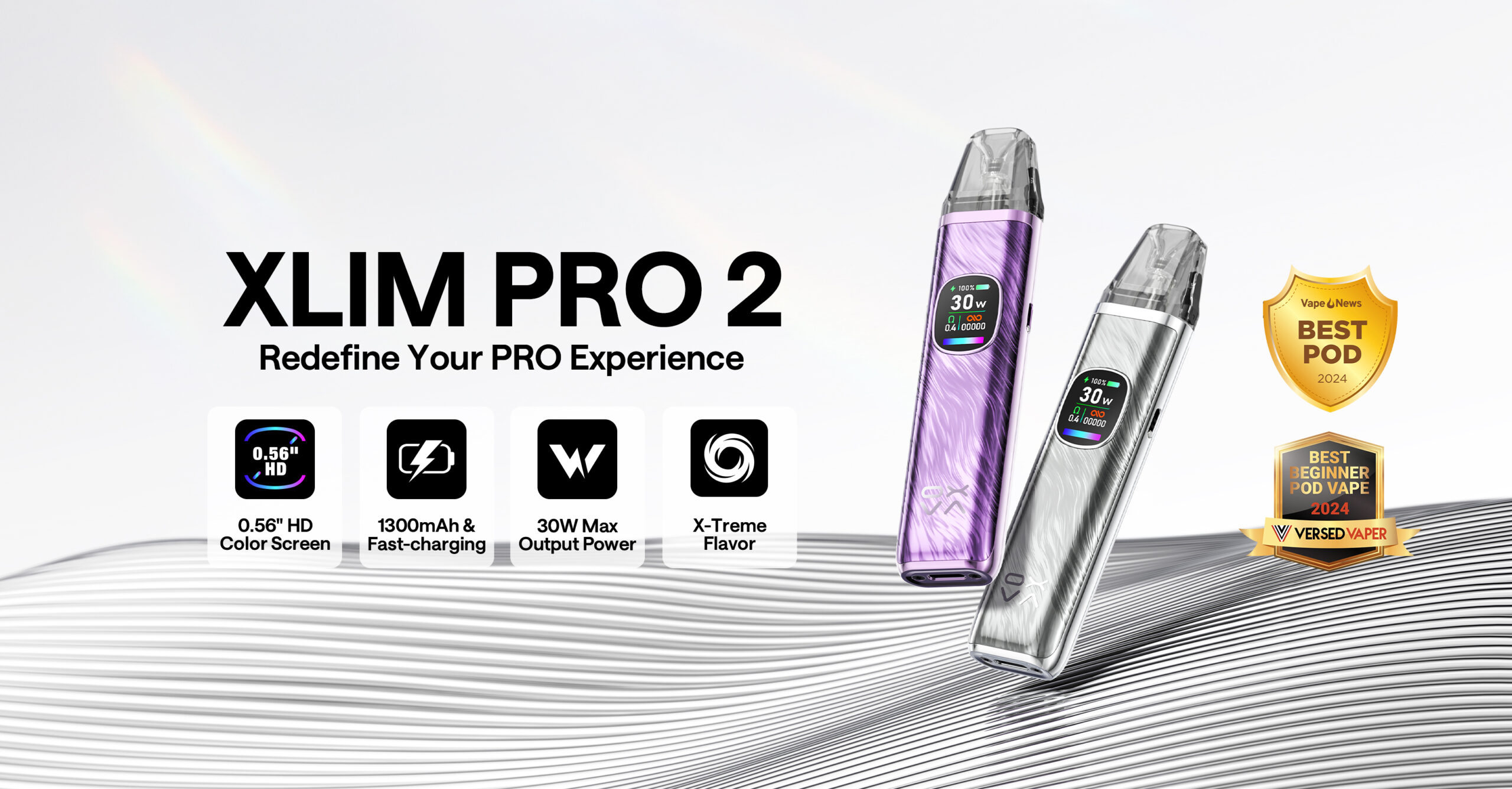
Quick answer: on the XLIM Pro 2, enter the menu, move to the PUFF option, then press and hold the fire button until the count resets to zero. Resetting the puff counter does not change wattage, airflow or your other device settings.
Quick reset answers: this only clears the usage count, not pod wear or power settings.
- Will reset improve vape quality? No. It only resets the puff tally.
- Can I reset now? Yes, as long as the device is powered and the PUFF option is selected properly.
- Still not right? Check device setup help and pod condition before assuming the device is faulty.
Why Reset the Puff Counter?
The puff counter is a small feature, but it can be genuinely useful when you are trying to understand how your device and pods are performing over time.
Starting a new pod
Resetting the counter when you fit a new pod gives you a clean usage reference from day one.
Tracking daily usage
If you are trying to see how much you actually vape in a day, the puff tally helps you measure it more clearly.
Comparing pod lifespan
Some users like checking how many puffs they get before flavour drops off or the pod starts tasting tired.
Checking device habits
If the count seems unusually high, it can highlight accidental button presses or usage patterns you had not noticed.
How to Reset It (Step by Step)
Resetting the puff counter on the XLIM Pro 2 is straightforward once you are in the right menu.
Open the menu
Click the fire button three times to enter the device menu.
Cycle to “PUFF”
Use short button presses to move through the available options until PUFF appears.
Hold the fire button
When PUFF is selected, press and hold the fire button until the reset completes.
Check the count
The tally should return to 0, confirming the reset worked.
Important: this resets the puff tally only. It does not wipe your wattage preference or other normal device settings.
What If the Puff Counter Does Not Reset?
If the menu does not respond properly or holding the button does nothing, work through these checks before assuming something is wrong with the device.
Battery low
Charge the device properly first. Low battery can make menu behaviour feel inconsistent.
PUFF not selected yet
Keep cycling carefully until the actual PUFF option is highlighted.
Button not held long enough
Press and hold for a full moment rather than tapping quickly.
Temporary device glitch
Turn the device off, turn it back on, then try the reset again after a short charge.
The XLIM Pro 2 does not use a separate factory reset just for this. If the puff counter refuses to reset, recharge the device and retry the menu sequence carefully.
What Resetting the Puff Counter Does Not Change
Some users worry that resetting the count will wipe other settings. It does not.
| Feature | Changed by puff reset? | Notes |
|---|---|---|
| Puff tally | Yes | Returns to zero |
| Wattage | No | Your chosen power setting stays as it was |
| Airflow position | No | Airflow is physical, not reset through the menu |
| Pod condition | No | Resetting the counter does not restore a worn pod |
This makes the puff reset safe to use whenever you want a cleaner usage reference point.
FAQs
Does the puff counter reset automatically?
No. You need to reset it manually through the device menu.
Does resetting the counter affect wattage or airflow?
No. It only clears the puff tally and leaves your normal setup unchanged.
Why does my puff count keep increasing when I do not vape?
This can happen through accidental firing or button presses. Locking the device when not in use can help prevent it.
Will resetting the counter make an old pod work like new?
No. The puff counter is only a usage tracker. It does not restore flavour or coil life.
Should I reset the counter every time I install a new pod?
You do not have to, but many users find it useful because it gives them a fresh reference point for pod life and daily usage.
What should I do if the menu does not respond properly?
Charge the device, try the menu again carefully, and make sure you are actually holding on the PUFF option rather than just tapping past it.
OXVA XLIM Pro 3 - the successor to the Pro 2
The XLIM Pro 3 replaced the Pro 2. Better coil tech, same pod format. 18+ only.
Still not sorted? Ask in the community
Real OXVA users answer questions every day in our community forum - device issues, pod advice, liquid recommendations and more. Post your question and get a reply from someone who's had the same problem.