
Is OXVA XLIM Pro compatible with V3 pods?
In many cases, yes. A lot of XLIM Pro users are looking for what are commonly called V3-style or top-fill XLIM pod options, but the exact compatibility still depends on the XLIM model and the specific pod version you are trying to use.
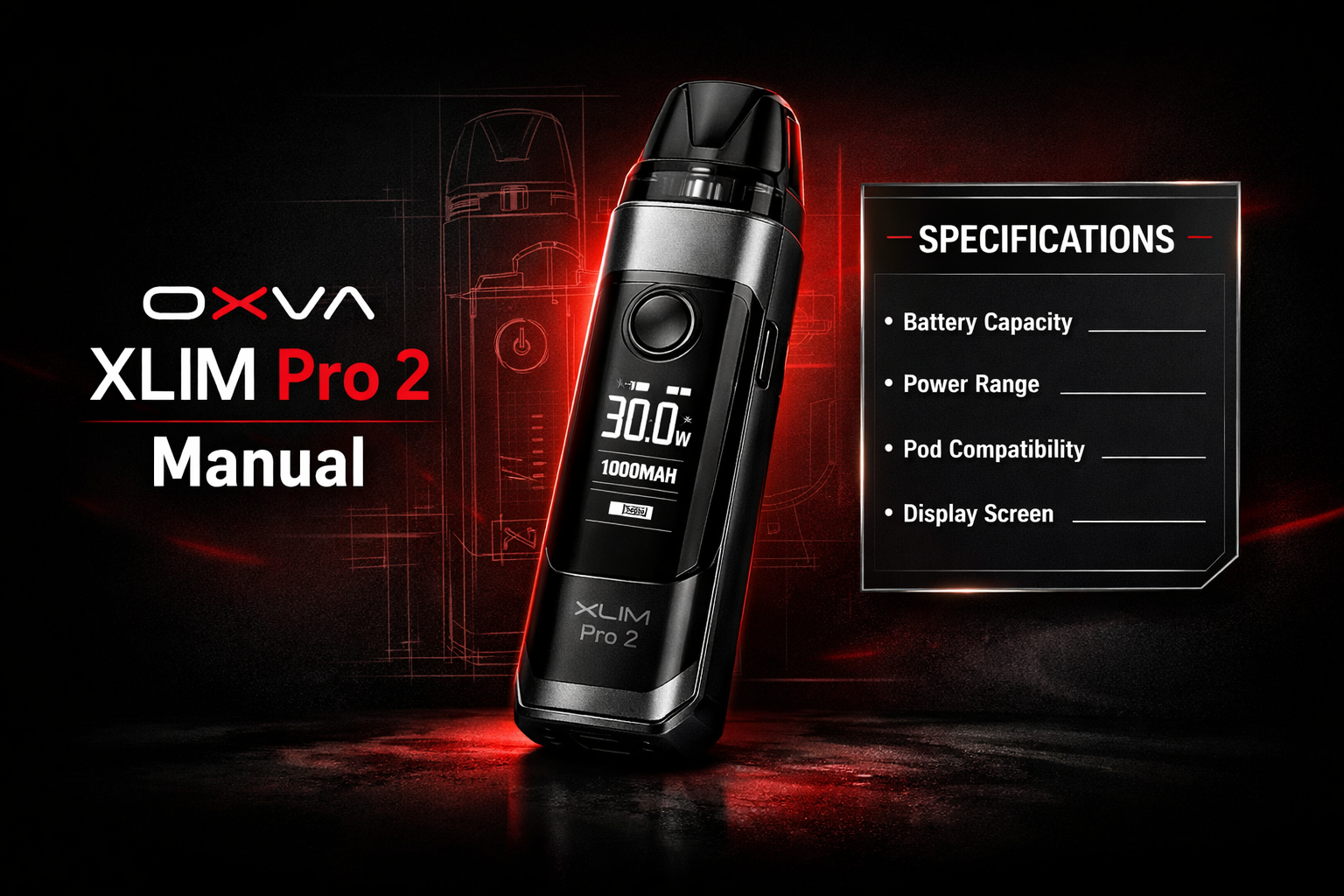
Quick answer
Often yes, but you should still check by exact device and pod type. A lot of people use “V3 pods” as a shorthand for the newer XLIM top-fill style pod options. The safest way to avoid mistakes is to use the XLIM compatibility chart rather than relying on broad naming alone.
On this page
Short answer
If you are asking whether an XLIM Pro can use the newer V3-style top-fill XLIM pod options, the answer is often yes for the relevant XLIM family setup.
But if you are using “V3 pods” loosely without checking the exact XLIM model and pod listing, it is easy to get confused. That is why the compatibility chart is the better route than guessing from product names.
What people usually mean by “V3 pods”
Newer XLIM top-fill style pods
A lot of shoppers use “V3 pods” to refer to the newer XLIM top-fill pod style rather than the older side-fill language.
Not a separate device family
This is still part of the wider XLIM ecosystem conversation. The confusion usually comes from naming, not from a totally different pod platform.
Why this question gets confusing
People say “V3” casually
Buyers often use the term casually, even when the product page itself uses different wording.
There are several XLIM devices
XLIM, XLIM Pro, XLIM Pro 2, XLIM Pro 3 and related pages can blur together if you are not checking carefully.
Retail titles vary
Some stores say V3, some say top-fill, some say replacement pods. That makes it harder for buyers to know whether they are looking at the right thing.
How to check properly
| Check | Why it matters |
|---|---|
| Your exact device name | “XLIM Pro” is more useful than just “OXVA vape” when checking pod fit. |
| The exact pod listing | Look at the product family and wording, not just the word V3. |
| A proper compatibility chart | This reduces the risk of relying on guesswork or inconsistent store naming. |
Best approach
Use the XLIM Pods Compatibility Chart instead of trying to decode the naming by memory.
How to buy safely if you have an XLIM Pro
Check the device page first
Make sure you know whether you are dealing with XLIM Pro, Pro 2, Pro 3 or another XLIM variation.
Use the pod guide next
Match the pod family using the compatibility guide rather than guessing from the pod name alone.
Buy by compatibility, not by buzzword
The word “V3” is useful, but it should not be the only thing you rely on when ordering pods.
Use manual pages for setup help
If you are unsure because of a setup issue, use the relevant manual page alongside the pod guide.
Common mistakes people make
Using “V3” as if it answers everything
The term helps, but it is not a substitute for a proper compatibility check.
Not checking the exact XLIM model
Different XLIM pages and products get mixed together easily, especially if you bought the device a while ago.
Buying from a vague pod title
If the listing is broad or unclear, it is safer to cross-check against a proper guide before ordering.
Assuming all XLIM pods are identical
They are part of the same wider ecosystem conversation, but you still need the correct pod version for the right device setup.
Best next pages to use
These are better next steps than trying to rely on one short product name in isolation.
Frequently asked questions
Is XLIM Pro compatible with V3 pods?
Often yes in the XLIM compatibility context people usually mean, but you should still verify by exact device and pod listing.
What does V3 mean here?
Many buyers use it as shorthand for the newer XLIM top-fill style pod options rather than a completely separate pod family.
Should I rely on the product name alone?
No. Use the compatibility chart instead of relying on broad wording or memory.
What if I own an XLIM Pro 2 or Pro 3?
That is exactly why checking by exact model matters. XLIM naming can get mixed up quickly if you do not use a proper guide.
What is the safest next page?
The XLIM pods compatibility chart is the best next page because it is built specifically for this type of matching question.
Genuine XLIM V3 top-fill pods at Vapestore
XLIM V3 pods are compatible with the XLIM Pro 3, XLIM Go 2 and most current XLIM devices. 18+ only.