
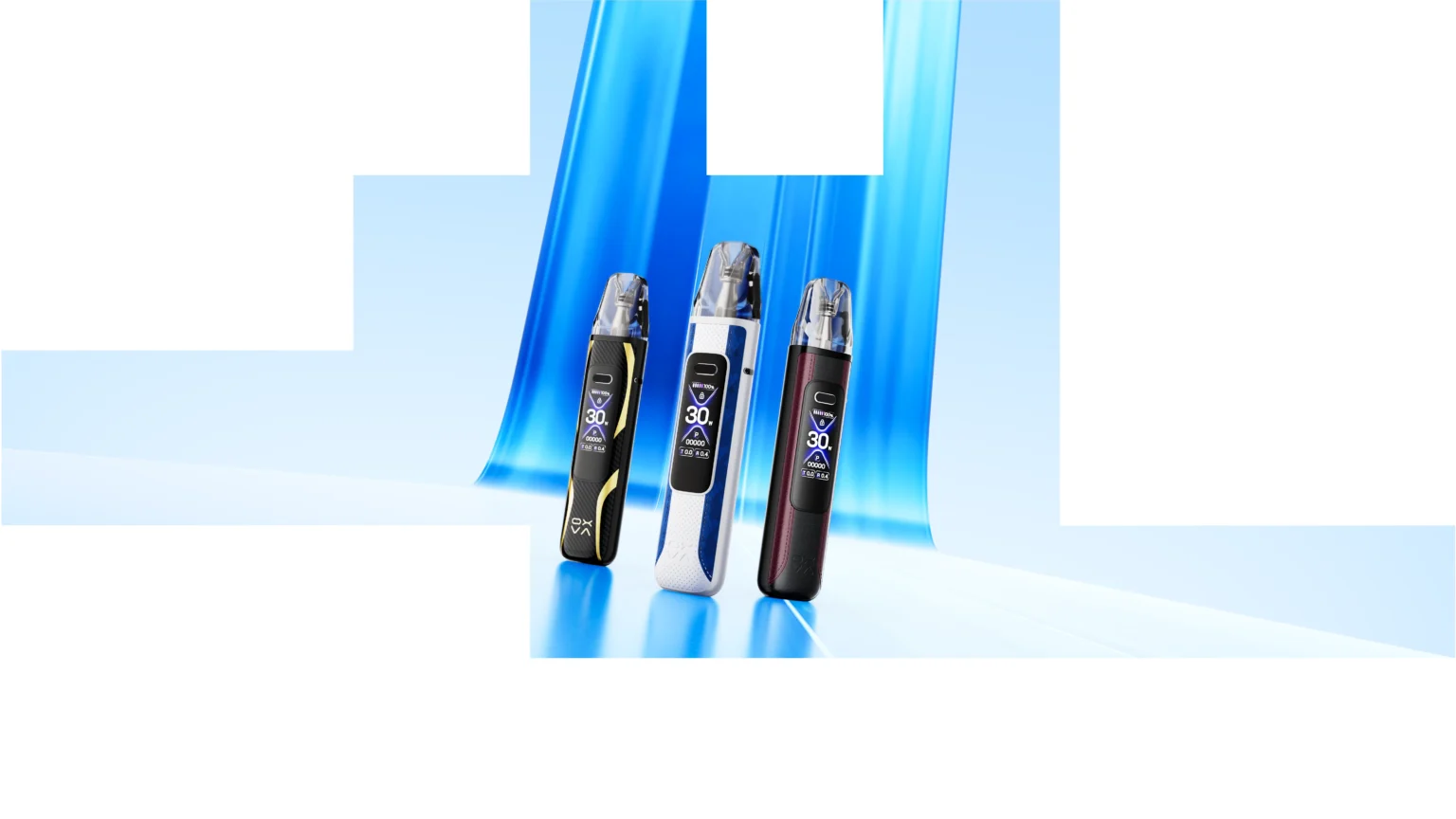
OXVA XLIM Pro vs Pro 2 vs Pro 3: Full Comparison, Pod Compatibility, Upgrade Advice & Which One to Buy
If you are trying to work out the difference between the OXVA XLIM Pro, XLIM Pro 2 and XLIM Pro 3, this guide breaks it down in plain English. We cover what changed, which pods fit, who each device suits best, and whether it makes more sense to keep what you have or move to the newer model.
Quick answer: if you are buying now and want the strongest all-round option, the OXVA XLIM Pro 3 is usually the best place to start. The XLIM Pro 2 still matters if you already own one or are comparing it directly with an older device. The original XLIM Pro is still useful as a reference point, but it makes more sense today as an older model in the lineup than as the first recommendation for most new buyers.
What Actually Changed Between the OXVA XLIM Pro, Pro 2 and Pro 3?
Most comparison pages get too caught up in specs. What people really want to know is simpler: does the newer model feel better to use, does it still work with the pods they want, and is the newer device actually worth the extra money?
That is the best way to look at the XLIM Pro range. The differences matter, but they matter because they affect the everyday experience — flavour consistency, charging habits, how premium the device feels, and how easy it is to stay in the XLIM pod ecosystem long term.
The original XLIM Pro set the foundation. The Pro 2 pushed the idea further. The Pro 3 is the model that now feels like the most natural “buy this one” answer for a lot of people landing on older comparison searches.
The simplest way to think about it: the original XLIM Pro is the older benchmark, the Pro 2 is the middle step many people still own, and the Pro 3 is the model most new buyers should compare everything else against.
Quick Verdict
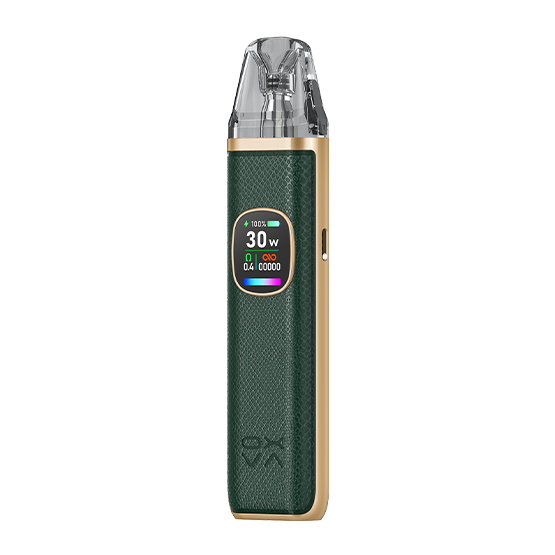
XLIM Pro
Still worth mentioning because people search for it, but it now works best as the older comparison point rather than the top buy recommendation.
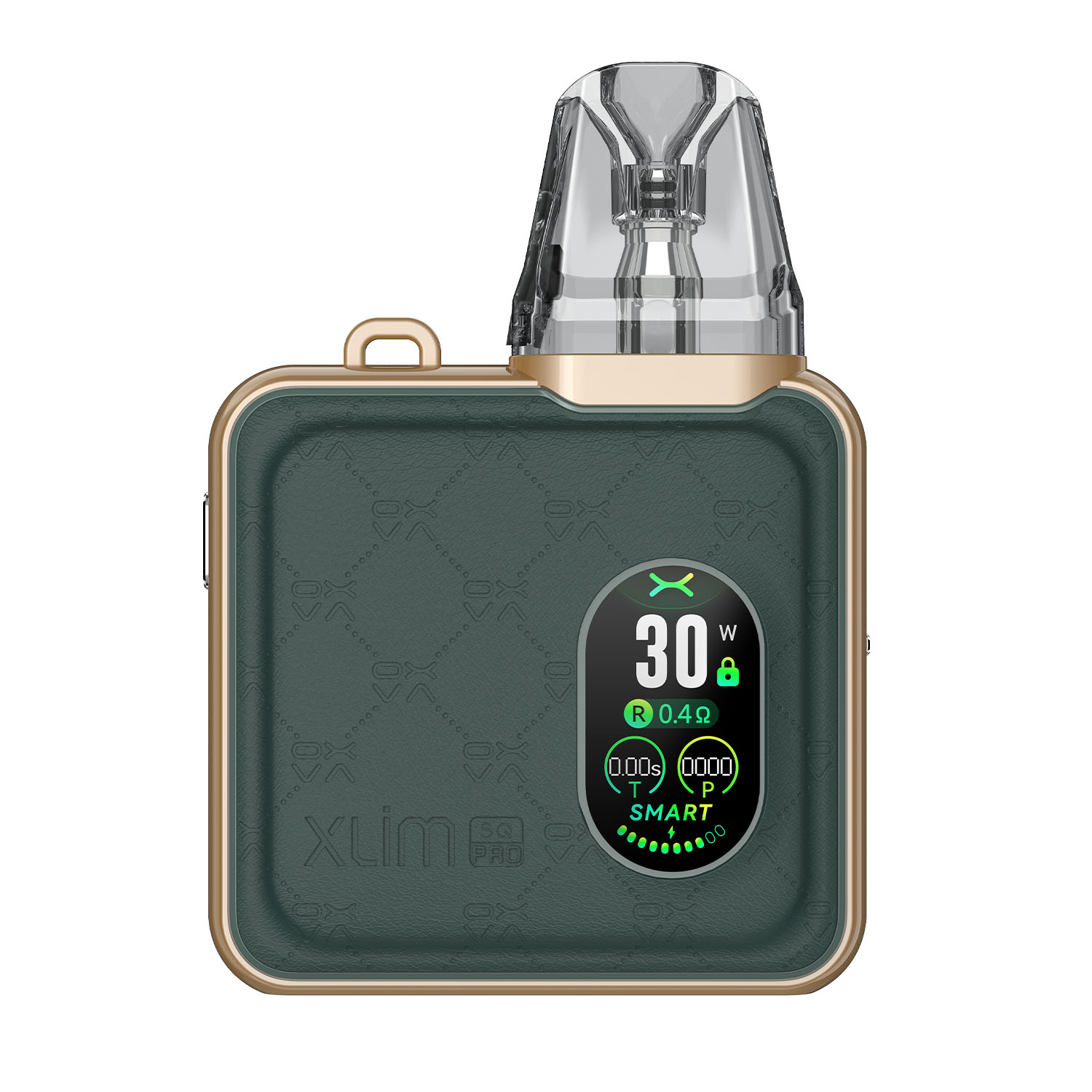
XLIM Pro 2
A very relevant model for owners and direct comparison searches. Strong bridge between the older XLIM Pro and the more current XLIM Pro 3.
XLIM Pro 3
The best overall recommendation for most buyers now. If someone is starting fresh, this is usually the strongest place to begin.
Full OXVA XLIM Pro Comparison Table
| Device | Best for | Position in the lineup | Main reason to choose it |
|---|---|---|---|
| XLIM Pro | Older-device research and existing owners | Legacy reference model | Useful if you already know it and want support or comparison context |
| XLIM Pro 2 | Users comparing mid-generation XLIM options | Strong transitional model | Still highly relevant if you own one or are deciding between older and newer XLIM devices |
| XLIM Pro 3 | Most new buyers | Most current of the three comparison targets | Best fit for readers who want the strongest present-day XLIM Pro recommendation |
This kind of page works best when it respects old search demand without getting stuck in it. Many people still type older device names into Google. Once they land here, they want a clear answer, not just a historical summary.
Pod Compatibility: The Part That Really Matters
For many buyers, pod compatibility matters more than almost anything else. That is because the real long-term experience with an XLIM device comes down to the pods you use, how easy they are to refill, how good the flavour stays, and how simple it is to buy replacements later.
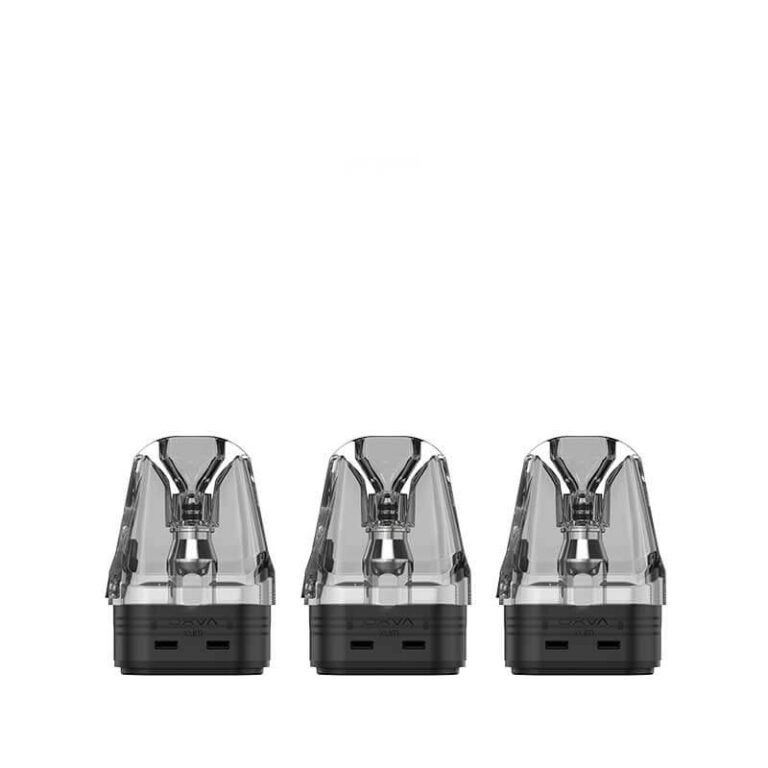
If you already use XLIM pods and want to stay in the same ecosystem, that is a major advantage. It keeps things simple. You do not need to relearn a whole new system or jump into a completely different OXVA pod family unless you actually want a different vaping style.
Best next step if pods are your main concern: check the XLIM pod compatibility guide and then use the clean pod routes below.
Should You Upgrade From XLIM Pro or Pro 2 to Pro 3?
The honest answer depends on why you are thinking about it.
If your current device still works perfectly, the battery is fine, the pod experience still suits you, and you are happy with the look and feel, then you may not need to upgrade immediately. Not everyone needs the newest device just because it exists.
But if you are buying fresh, replacing an older kit, or trying to work out which XLIM Pro model makes the most sense now, the Pro 3 is usually where the strongest recommendation lands. That is because it lets you stay inside the XLIM ecosystem while moving toward the most current of the three options this page compares.
Do not upgrade just for the name. Upgrade because you want the most current XLIM Pro experience, a cleaner “buy now” choice, or because your older device is already due for replacement.
Which One Is Best for Different Types of User?
Best for brand-new buyers
XLIM Pro 3. This is the cleanest answer for most fresh buyers who want the strongest current option in this specific comparison set.
Best for existing Pro 2 owners
XLIM Pro 2 remains very relevant. If you already own one, this page should help you decide whether to keep it, troubleshoot it, or upgrade later.
Best for older comparison searches
XLIM Pro as reference. It still matters because people search it, but it should not dominate the buying conclusion.
Best for users staying with XLIM pods
If pod continuity matters most, staying in the XLIM family is usually the easiest and most cost-effective path.
Buying Advice: What Should You Actually Buy Today?
If you landed on this page because you searched for the XLIM Pro or XLIM Pro 2, you probably fall into one of two groups: either you already own one of those devices, or you are trying to work out whether an older name still makes sense to buy now.
For most people buying today, the better move is to go straight to the strongest current option in the same family instead of buying the older comparison point by default.
- Main device route: XLIM Pro 3
- Main support route: XLIM pod compatibility
- Main accessory route: XLIM top fill pods and XLIM EZ pods
- Main troubleshooting route: XLIM pod issues and settings help
Best buying logic: use the older model names to catch the search, but use the page itself to guide the visitor toward the strongest current XLIM choice.
Frequently Asked Questions
Which is better: OXVA XLIM Pro, Pro 2 or Pro 3?
For most new buyers now, the XLIM Pro 3 is the best overall recommendation. The Pro 2 is still very relevant for existing owners and direct comparison searches, while the original XLIM Pro is better treated as the older reference model.
Is the XLIM Pro 2 still worth buying?
It can still make sense for some users, especially those already familiar with it, but it is no longer the strongest default pick if you are buying fresh and want the most current choice from this comparison set.
Should I upgrade from XLIM Pro 2 to XLIM Pro 3?
If you want the strongest current XLIM Pro option and you are ready to move on from your current device, yes. If your Pro 2 still performs well and you only need new pods or support help, you may not need to change immediately.
Do the same pods fit across the XLIM Pro range?
Pod compatibility is one of the biggest strengths of staying in the XLIM family, which is why this page should be paired with the full XLIM pod compatibility guide and the clean pod shopping routes.
Why keep older models in the comparison at all?
Because people still search them. A good comparison page should answer those searches honestly while still helping readers make the best current buying decision.
What should I buy alongside the device?
The smartest add-on purchase is usually the right XLIM replacement pods, because pod choice has a huge effect on flavour, convenience and overall satisfaction.