
OXVA NeXLIM Go manual and user guide
Looking for the NeXLIM Go instructions? This page gives you the main controls, filling advice, light prompts and everyday answers in one place, so you can get started faster without staring at the folded leaflet.
It covers how to vape, how to adjust the mode, how to adjust the airflow, what the coloured lights mean, how to fill a new pod properly, and the key specs that matter most in normal day-to-day use.
If you only need the essentials, start with the controls, filling tips and light prompts below.
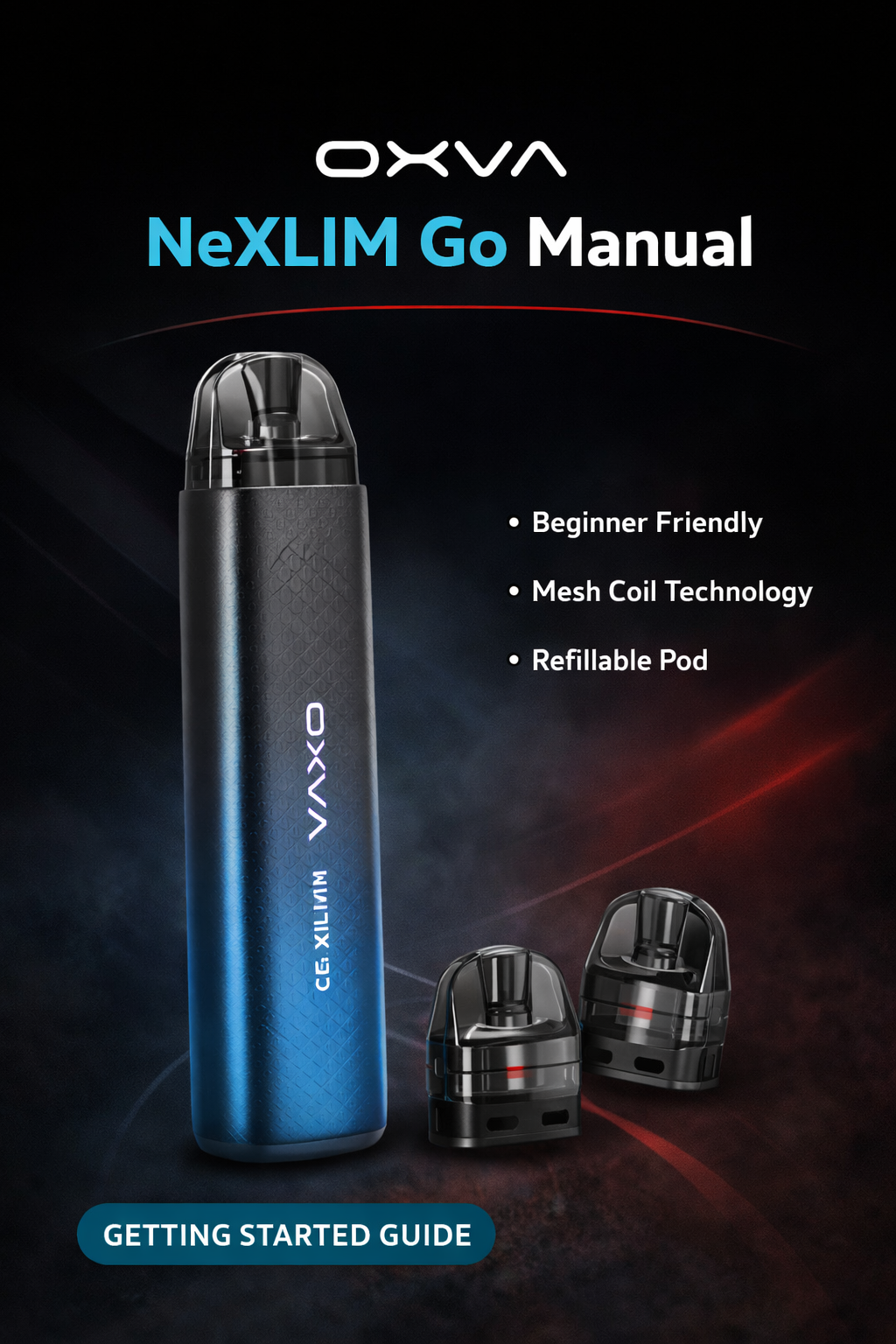
- Draw to vape
- Mode adjustment
- Airflow adjustment
- Light prompts for warnings
Quick answer: the main NeXLIM Go controls
These are the controls most people want first.
Vape
While the device is on, draw to vape. The manual says the device will stop working when a puff lasts longer than 8 seconds.
Adjust mode
Use the mode adjust valve up or down to set your preferred mode.
Adjust airflow
Use the airflow adjust valve up or down to set how open or restricted the draw feels.
Check the light
The indicator light gives quick feedback for boost mode, over-8-second draws, high temperature, low battery and short circuit warnings.
OXVA NeXLIM Go specifications
These are the main details shown in the manual.
Slim pod device with a simple front-facing shape.
The manual lists both capacity versions.
The manual lists this operating voltage range.
The manual lists a built-in 1000mAh battery.
USB-C charging through the Type-C port.
You simply inhale to use the device.
Used to change between your preferred operating styles.
Lets you fine-tune how loose or tight the draw feels.
What is on the NeXLIM Go device
These are the main parts shown in the manual.
Cartridge
The refillable pod section at the top of the device.
Mode Adjust Valve
Used to move up or down through the available modes.
Airflow Adjust Valve
Used to make the draw more open or more restricted.
Device Body
Main housing for the battery and internal electronics.
Type-C Port
Used for charging the built-in battery.
Indicator Light
Shows feedback for mode, puff length and warning states.
Pod Connection Area
The fit here matters for normal day-to-day use.
Base Charging Area
The charging port sits at the base of the device.
How to fill and prime the NeXLIM Go properly
A rushed first fill is one of the easiest ways to spoil a new pod.
Best filling routine
- Fill the e-juice into a new cartridge carefully
- Wait at least 5 to 8 minutes before vaping
- Close the pod as soon as possible after filling
- Only then start vaping
- Take it gently on the first few puffs
Why this helps
- Not waiting long enough can lead to a dry or burnt first vape
- Leaving the fill opening open too long can increase leaking risk
- People often blame the device when the real issue is poor priming
- A little patience usually gives a much better first experience
Indicator light meanings on the NeXLIM Go
These are the main light meanings listed in the manual.
Boost and battery colours
- Change mode: colourful light flashes while boost mode is active
- Green Light: 65%–100%
- Blue Light: 30%–65%
- Red Light: 0%–30%
Warning flashes
- Vape over 8s: blue light flashes 3 times and stops working
- High Temp: red light flashes 5 times and stops working
- Low Battery: red light flashes 10 times
- Short Circuit: red light flashes 3 times
Important safety points
These are the simple habits worth keeping in mind from the manual.
Good habits
- Use the correct Type-C charging setup
- Keep the device away from inflammable and explosive materials
- Use genuine OXVA components and accessories where possible
- Check the pod is fitted properly before using it
Do not ignore
- Do not leave the device unattended while charging
- Do not ignore repeated red light warnings
- Do not carry on as normal if the pod fit feels wrong
- Do not rush a freshly filled cartridge
OXVA NeXLIM Go manual FAQ
Quick answers to the most common NeXLIM Go setup, controls and usage questions.
How do I use the OXVA NeXLIM Go?
While the device is on, draw to vape. The manual says the device will stop working if a puff lasts longer than 8 seconds.
How do I adjust the mode on the OXVA NeXLIM Go?
Use the mode adjust valve up or down to set your preferred mode.
How do I adjust the airflow on the OXVA NeXLIM Go?
Use the airflow adjust valve up or down to set your preferred airflow.
How long should I wait after filling a new OXVA NeXLIM Go pod?
Wait at least 5 to 8 minutes before using a newly filled pod.
What size is the OXVA NeXLIM Go?
The manual lists the device size as 119mm by 28.5mm by 18mm.
What pod capacity does the OXVA NeXLIM Go manual list?
The manual lists 4.0ml and 2ml (TPD) versions.
What is the battery size of the OXVA NeXLIM Go?
The manual lists a built-in 1000mAh battery.
What charging type does the OXVA NeXLIM Go use?
The manual lists Type-C 5V/2A charging.
What output voltage does the OXVA NeXLIM Go use?
The manual lists an output voltage range of 3.2 to 4.2V.
What does the colourful light mean on the OXVA NeXLIM Go?
The manual says colourful light flashes while boost mode is active.
What does the green light mean on the OXVA NeXLIM Go?
The manual lists green light for roughly 65% to 100% battery.
What does the blue light mean on the OXVA NeXLIM Go?
The manual lists blue light for roughly 30% to 65% battery, and blue light flashing 3 times if the draw lasts over 8 seconds.
What does the red light mean on the OXVA NeXLIM Go?
The manual lists red light for low battery range, and red light warnings for high temperature, low battery and short circuit alerts.
What does the high temperature warning mean on the OXVA NeXLIM Go?
The manual says the red light flashes 5 times and the device stops working when the temperature is too high.
What does the low battery warning mean on the OXVA NeXLIM Go?
The manual says the red light flashes 10 times when the battery is low.
What does the short circuit warning mean on the OXVA NeXLIM Go?
The manual says the red light flashes 3 times for a short circuit warning.
What should I do if the OXVA NeXLIM Go pod is fitting badly?
Check that the pod is seated properly and do not force it. If it still feels wrong, inspect the pod and connection before carrying on.
Should I leave the OXVA NeXLIM Go charging unattended?
No. The manual says not to leave the device unattended while charging.
Can I use this page instead of the full PDF manual?
For most everyday questions like setup, filling, light meanings and warning prompts, this page should cover what you need fastest.
Once the basics are sorted, move to the guide that matches the next question
Most people next need help with troubleshooting, compatibility or choosing the right OXVA setup, so those guides are the best follow-up once the main controls are clear.