
OXVA SlimStick manual and user guide
Looking for the SlimStick instructions? This page brings together the main setup advice, charging details, warning lights and quick answers in one place, so you can get started faster without reading the folded manual line by line.
It covers the key specifications, how the cartridge fits into the device, what the warning lights mean, how the battery indicator works and the main safety points worth knowing before normal use.
If you only need the essentials, start with the quick specifications, how-to-use steps and warning light meanings below.
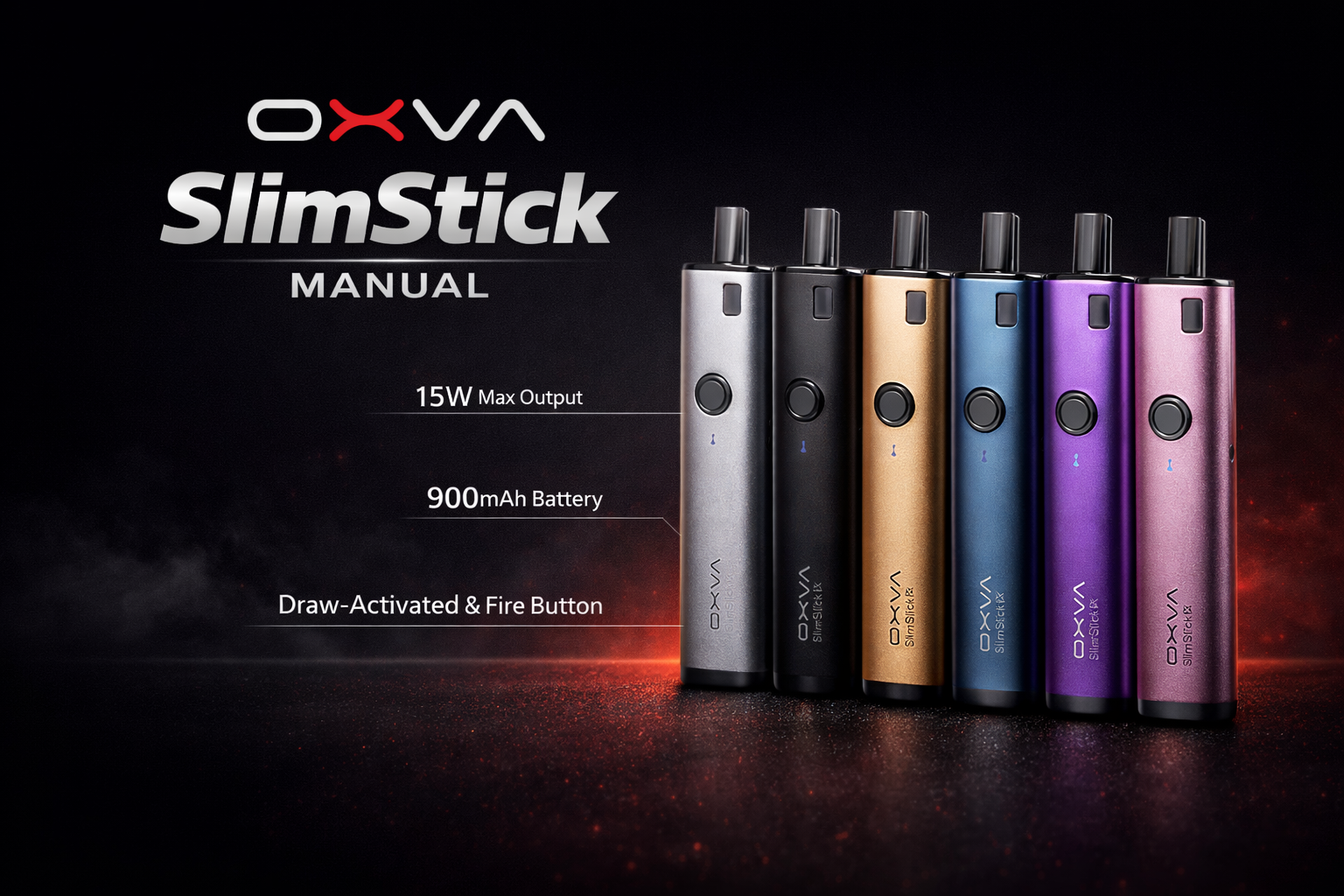
- 2ml pod capacity
- Built-in 1500mAh battery
- Type-C 5V/1A charging
- Simple warning light system
Quick answer: the main SlimStick details
These are the points most people want first.
Pod capacity
The manual lists a 2ml cartridge capacity.
Battery
The manual lists a built-in 1500mAh battery.
Charging
The manual lists Type-C charging at 5V/1A.
Output voltage
The manual lists an output voltage range of 3.3 to 4.2V.
OXVA SlimStick specifications
These are the main details shown in the manual.
Compact rectangular device with a simple stick-style body.
The manual lists a 2ml cartridge capacity.
The manual lists this operating voltage range.
The manual lists a built-in 1500mAh battery.
USB-C charging through the Type-C port.
The manual shows a straightforward cartridge-and-device setup.
The device uses a light indicator rather than a full display screen.
The manual presents a very direct, low-complexity setup.
What is on the SlimStick device
These are the main parts shown in the manual.
Cartridge
The cartridge fits into the top of the device.
Device body
Main housing for the battery and internal electronics.
LED
The LED light gives warning and battery feedback.
Type-C port
Used for charging the built-in battery.
How to use the SlimStick
The manual keeps this part very simple.
Remove the cartridge
Lift the cartridge out from the top of the device when needed.
Reinsert the cartridge
Place it back into the device correctly before use.
Use as normal
Once the cartridge is seated properly, the device is ready for normal use.
Warning lights and battery indicator
These are the main light meanings listed in the manual.
Battery indicator
- Green light: roughly 100% to 80%
- Red light: roughly 0% to 20%
Warning alerts
- Vape over 8s: red and green lights flash alternately and the motor vibrates
- Low Battery: red light flashes 10 times and the motor vibrates
- Short Circuit: red light flashes 3 times and the motor vibrates
Important safety points
These are the simple habits worth keeping in mind from the manual.
Good habits
- Keep the device away from inflammable and explosive materials
- Use OXVA brand components and accessories where possible
- Check the cartridge is fitted properly before use
- Charge with the correct Type-C setup
Do not ignore
- Do not leave the device unattended while charging
- Do not ignore repeated warning flashes or vibration alerts
- Do not carry on as normal if the cartridge fit feels wrong
- Do not use poor-quality accessories that could damage the device
SlimStick warranty basics
The second page of the manual includes the warranty and purchase information section.
What the warranty covers
The manual says the warranty covers defects in materials or workmanship under normal use for 90 days from the purchase date.
What can affect warranty cover
The manual lists missing proof of purchase, unauthorised adjustments, impact damage, water damage and non-OXVA accessories among the reasons cover may be refused.
OXVA SlimStick manual FAQ
Quick answers to the most common SlimStick setup, charging and warning-light questions.
What size is the OXVA SlimStick?
The manual lists the device size as 14 by 32 by 90mm.
What pod capacity does the OXVA SlimStick manual list?
The manual lists a 2ml cartridge capacity.
What is the battery size of the OXVA SlimStick?
The manual lists a built-in 1500mAh battery.
What charging type does the OXVA SlimStick use?
The manual lists Type-C charging at 5V/1A.
What output voltage does the OXVA SlimStick use?
The manual lists an output voltage range of 3.3 to 4.2V.
How do I use the OXVA SlimStick?
Insert the cartridge correctly into the device, then use the SlimStick as normal.
What does the red and green flashing warning mean on the OXVA SlimStick?
The manual says red and green lights flash alternately and the motor vibrates when the vape lasts over 8 seconds.
What does the low battery light mean on the OXVA SlimStick?
The red light flashes 10 times and the motor vibrates.
What does the short circuit warning mean on the OXVA SlimStick?
The red light flashes 3 times and the motor vibrates.
What does the green battery light mean on the OXVA SlimStick?
The manual lists green light for roughly 100% to 80% battery.
What does the red battery light mean on the OXVA SlimStick?
The manual lists red light for roughly 0% to 20% battery.
Should I leave the OXVA SlimStick charging unattended?
No. The manual says not to leave the device unattended while charging.
Should I use non-OXVA accessories with the OXVA SlimStick?
The manual advises using OXVA brand components and accessories to avoid device damage or health problems.
What should I do if the cartridge fit feels wrong?
Check that the cartridge is seated properly and do not force it. If it still feels wrong, inspect the connection before carrying on.
How long is the SlimStick warranty?
The manual says the warranty covers defects in materials or workmanship under normal use for 90 days from the purchase date.
What can stop the SlimStick warranty from applying?
The manual lists missing proof of purchase, unauthorised changes, impact damage, liquid damage and non-OXVA accessories among the reasons warranty cover can be refused.
Can I use this page instead of the full PDF manual?
For most everyday questions like setup, charging and warning lights, this page should cover what you need fastest.
Once the basics are sorted, move to the guide that matches the next question
Most people next need help with troubleshooting, buying guidance or choosing the right OXVA device, so those guides are the best follow-up once the main SlimStick basics are clear.